有时我们需要多个插槽。例如对于一个带有如下模板的 <base-layout> 组件:
<div class="container">
  <header>
    <!-- 我们希望把页头放这里 -->
  </header>
  <main>
    <!-- 我们希望把主要内容放这里 -->
  </main>
  <footer>
    <!-- 我们希望把页脚放这里 -->
  </footer>
</div>对于这样的情况,<slot> 元素有一个特殊的 attribute:name。这个 attribute 可以用来定义额外的插槽:
Vue.component('base-layout', {
  template: `
    <div class="container">
  <header>
    <slot name="header"></slot>
  </header>
  <main>
    <slot></slot>
  </main>
  <footer>
    <slot name="footer"></slot>
  </footer>
</div>
  `
})
一个不带 name 的 <slot> 出口会带有隐含的名字“default”。
在向具名插槽提供内容的时候,我们可以在一个 <template> 元素上使用 v-slot 指令,并以 v-slot 的参数的形式提供其名称:
<base-layout>
  <template v-slot:header>
    <h1>Here might be a page title</h1>
  </template>

  <p>A paragraph for the main content.</p>
  <p>And another one.</p>

  <template v-slot:footer>
    <p>Here's some contact info</p>
  </template>
</base-layout>
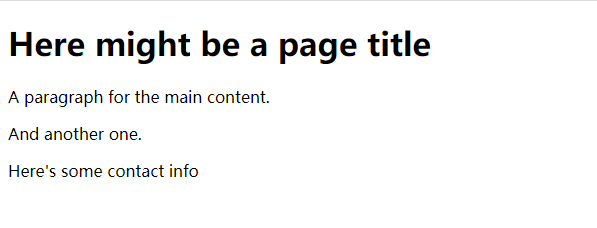
页面呈现效果: